
-
SolidWorks 2013: Measure Tool

If you look at the every day use of SolidWorks, I would think that the Measure Tool would rank among the most used features inside the software. SolidWorks 2013 brings some very nice enhancements to the Measure Tool. The image below shows you two new options, Point to Point and History, that have been added…
-
SolidWorks 2013: Multiple Exploded Views

In looking at all the enhancements included in SolidWorks 2013, there was one addition that I HAD to talk about first. That is because this is an enhancement that I have wanted in SolidWorks since the day I began using the software. I have employed workarounds for this for years. Rather than go on about…
-
SolidWorks 2012 – Select All
Its easy to overlook some things when you are browsing a 179 page What’s New Document. This was the case for me as I was looking through the SolidWorks 2012 What’s New document. SolidWorks 2012 adds a “Select All” feature that is pretty self explanatory. This is of course one of the handiest features in…
-
SolidWorks Tip: Import DXF/DWG Set Origin
I ran across this today when importing a DXF file from a vendor. I’m not quite sure how long it has been there, but this is the first time I have noticed it. 🙂 When importing a DXF/DWG file you are presented in an import wizard with many options. The first screen is shown below.…
-
SolidWorks 2011: User Interface Enhancements
Although in general, the User Interface is the same when comparing SolidWorks 2010 to SolidWorks 2011, there are some subtle differences. Lets start with one of the most simple, yet effective enhancements. I’ll bet you thought I was going to talk about the Search capability, right? Well…not just yet. While the search enhancements certainly fits…
-
SolidWorks 2010: Sketch Pictures in Drawings

With my schedule relaxing a bit, I’m finally back in the groove and am excited to bring some new posts to the site. This one is kind of a “reminder post” of a new feature in SolidWorks 2010 that is easy to overlook. You can now show Sketch Pictures inserted in models on the Drawing! …
-
SolidWorks 2010: Awesome Tables!
Sometimes when testing newer versions of Software you discover some “unreported” enhancements that really can be a time saver. That type of enhancement is the source of this post, but first we’ll take an overall look at the enhancements to Tables in SolidWorks 2010. As reported in my SolidWorks 2010 Enhancements Highlight article, all Tables…
-
SolidWorks Help in your Browser!
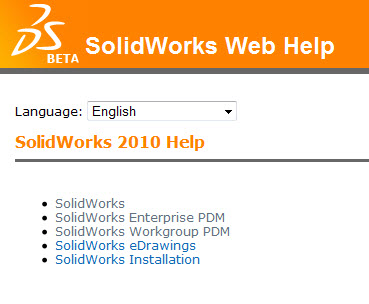
As reported here a few months back, SolidWorks 2010 introduced an option for Online Help. The Online Help has some enhanced search features which includes sorting by subject and links to the Knowledge Base. In addition to that, because it is web based, it is guaranteed to always be up to date. Here is something…
-
SolidWorks 2010: Hole Wizard!
It’s been a while since I have had a chance to post. I have been working some crazy hours on various projects. Hopefully some of them I can share with you one day. Its time to get back on track with introducing some of the new features of SolidWorks 2010. Today we take a quick…
-
ALL NEW SolidWorks Community (Forum)
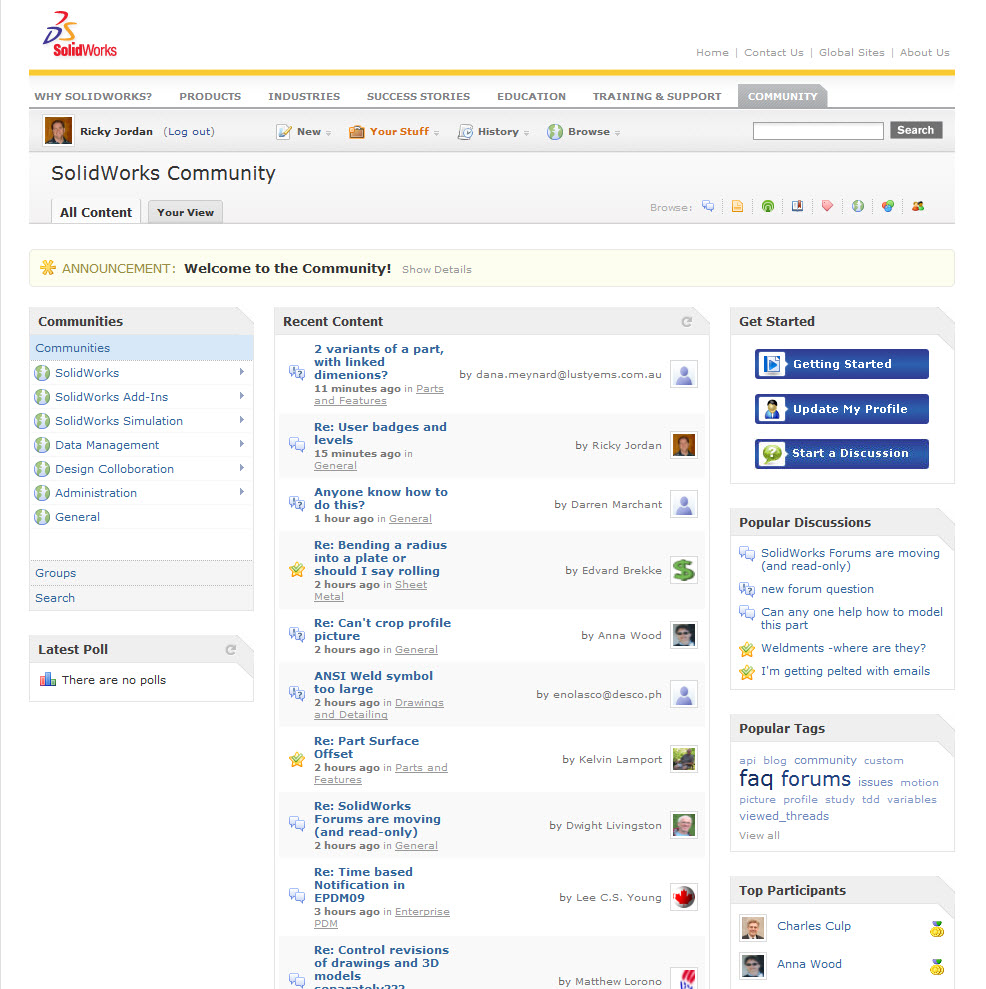
Users of the SolidWorks Forums were treated to a NICE upgrade today with the launch of the revamped forum which has been renamed to “SolidWorks Community”. With the new features of the forum, I feel like the new name fits nicely. Just about everything in the forum has been enhanced. I’ve listed my top enhancements…
-
SolidWorks Electrical Routing – Part 2
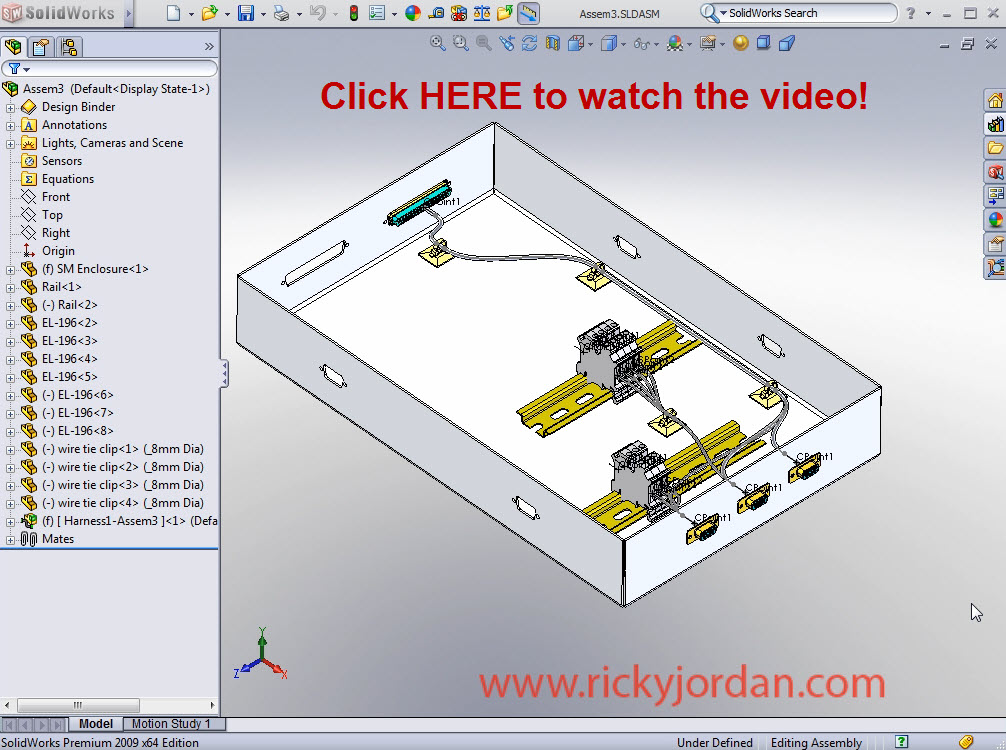
Most users of SolidWorks Electrical Routing use the product to determine wire & route lengths. This video is a direct followup to the Part 1 video. In this segment, we will take the 3D Electrical Harness that we created in Part 1 and make some modifications to the route itself to better fit our design…
-
SolidWorks Electrical Routing – Part 1
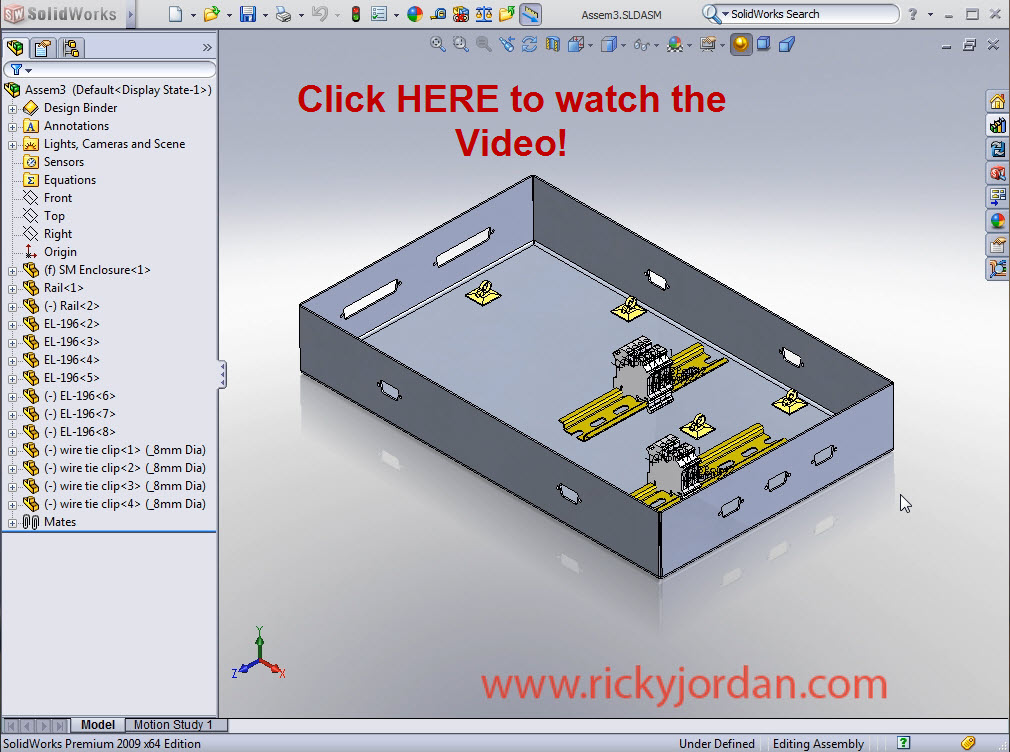
After talking about it for quite some time here on the site, today marks the first installment on a series of posts on SolidWorks Electrical Routing. In this first example I guide you halfway through the creation of an Electrical Harness using what I call the “on the fly” method. This particular method is often…
-
SolidWorks Video Tip: Roll View
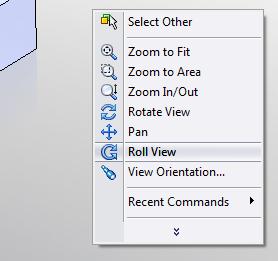
I’m sure all of us have had this happen before. You stroll around through the UI of your favorite software package and find a button that somehow you have missed seeing before. I have never claimed to know everything there is to know about SolidWorks, but I do know my way around a bit. After…
-
SolidWorks Tip: Heli-Coil Tap Drills
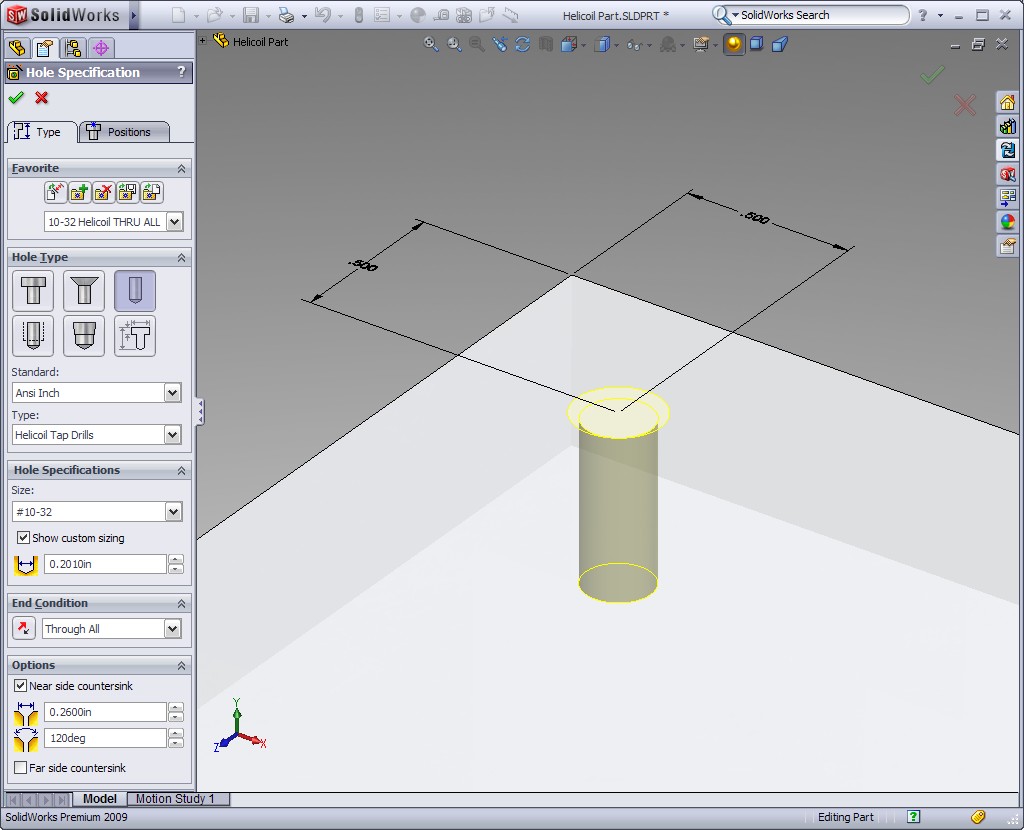
Here’s a GREAT SolidWorks Tip that was brought to my attention on the latest project I am working on. When you work in the commercial design world, you don’t often run across the need for the use of Heli-Coil inserts. As I have learned recently, they are used quite a bit in military and space…