
SolidWorks 2010:  Awesome Tables!
Sun, 02/21/10 – 11:55 PM | Comments

Sometimes when testing newer versions of Software you discover some “unreported” enhancements that really can be a time saver.  That type of enhancement is the source of this post, but first we’ll take an overall …

Read the full story »
SolidWorks News

SolidWorks Reviews

SolidWorks Tips

SolidWorks Video Tips

SolidWorks World

Home » SolidWorks Video Tips

The S Key Experiment – Part 3

Submitted by Ricky Jordan on Sunday, December 21, 2008Comments

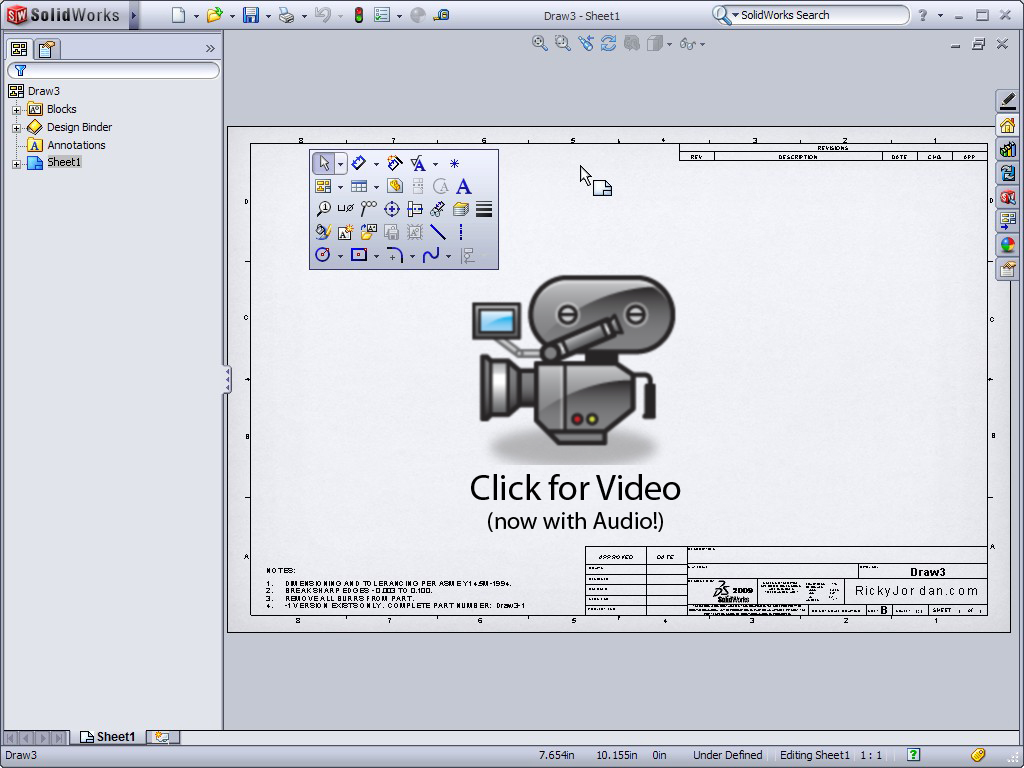
The S Key Experiment continues for me and in this post we dive into Part 3 which covers using the S Key shortcut menu in the Drawing environment of SolidWorks 2009.   In case you missed it, I covered the Part Environment in Part 1 and the Assembly Environment in Part 2.  I have found the S Key to be a GREAT tool in SolidWorks and I have not turned the CommandManager OR my Toolbars on since the experiment began.  Click on the image below to view the video.

S_Key_Experiment_Part3_VL

Stay tuned….more to come!

Share and Enjoy:
  • StumbleUpon
  • Digg
  • Technorati
  • del.icio.us
  • Facebook
  • LinkedIn
  • email
  • Google Bookmarks
  • FriendFeed

Related posts:

  1. SolidWorks Video Tip: Roll View I’m sure all of us have had this happen before. ...

Related posts brought to you by Yet Another Related Posts Plugin.

  • Marc Nelson
    Excellent demos on the use of the S key. I don't know where I have been but I will be teaching this trick to students. Thanks for showing the results of your experiment.
  • Yes I discovered the S key a while ago, and have customised it for all three file types. It's allowed me to turn off all toolbars, and have a nice big clean work space.
  • I agree Adam. I've really grown accustomed to having no Toolbars or CommandManager now. I think it is here to stay for me!

    Ricky
  • very nice trilogy ricky. thank´s
  • Thanks Gale! I've had a surprising number of users telling me that they are trying it for themselves after viewing the videos.

    Ricky
  • Neil
    but very very quiet...

    are these done at midnight when nothing is stirrring not even the mice?
    perhaps Santa may bring Ricky a megaphone if he's been a good little blogger ;)

    >stay tuned

    a special Xmas message? a word from our sponsor? :D
  • Wait a minute....I thought I got the volume thing fixed? :-) (Seriously though...the volume sounds good on my end. Got my laptop volume halfway and I hear myself fine. Still weird hearing my own voice coming out of the computer.)

    Yes....the videos are most of the time made late in the evening. Believe me...if my kids were up...you would hear them in the videos! :-)

    Ricky
  • Neil
    hmmm strange cos its quite low vol for me..
    since no one else has mentioned it iI guess it must be my issue here(?)..
    I need to run the pc vol up to max and wind the stereo amp up a notch or two
    ordinarily that would be pretty LOUD
    in fact I have just tried this level on the BBC news site and a few others and there is a fair difference between your voice level and those
    ...still if its not an issue for other folks I can adapt I suppose
    Perhaps Santa will bring me an ear trumpet...(yeah I've been good too) ;)

    Merry Xmas to you and yours Ricky
    keep that megaphone away from the children
    rousing 5am starts to opens presents is not good for the nerves
blog comments powered by Disqus