
SolidWorks 2010:  Awesome Tables!
Sun, 02/21/10 – 11:55 PM | Comments

Sometimes when testing newer versions of Software you discover some “unreported” enhancements that really can be a time saver.  That type of enhancement is the source of this post, but first we’ll take an overall …

Read the full story »
SolidWorks News

SolidWorks Reviews

SolidWorks Tips

SolidWorks Video Tips

SolidWorks World

Home » SolidWorks Tips, SolidWorks Video Tips

SolidWorks Video Tip: Using Mates for Animation

Submitted by Ricky Jordan on Wednesday, January 28, 2009Comments

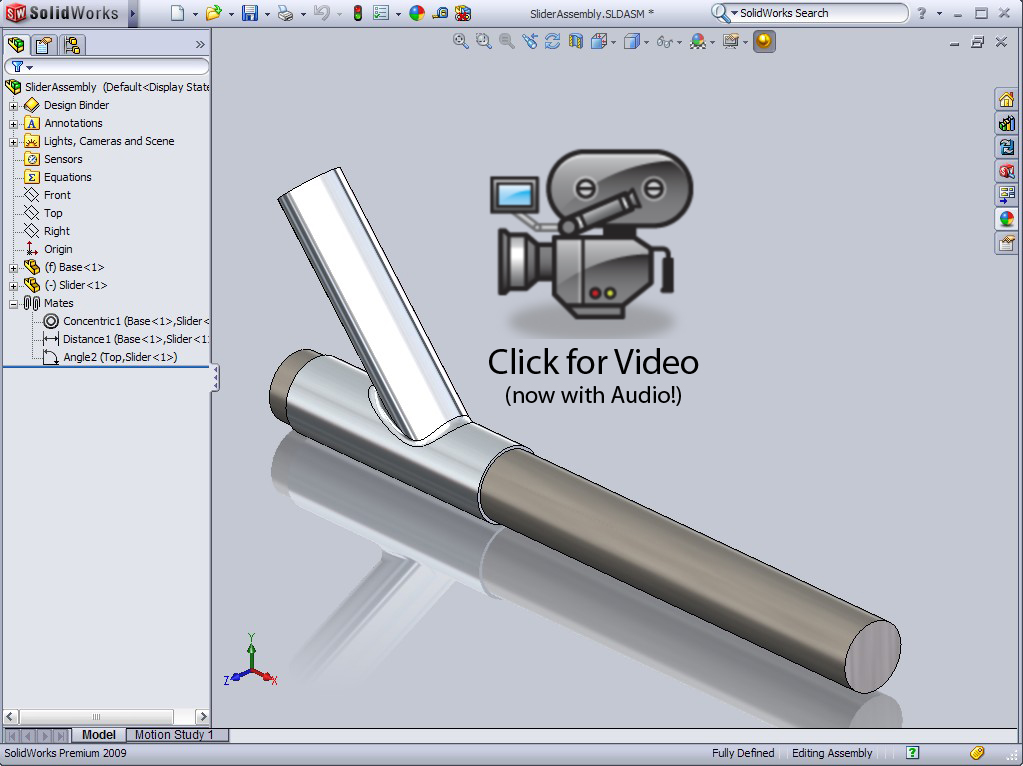
Recently I have had a few questions about ways to create animations with assembly motion.  These questions brought to mind this great tip on using Mates to generate assembly motion.  Using Mates to create motion in Assemblies is often overlooked so I have prepared this video that includes a simple example of how to do it.  Click on the image below to view the video.

animationswithmates

Stay tuned….more to come!

Share and Enjoy:
  • StumbleUpon
  • Digg
  • Technorati
  • del.icio.us
  • Facebook
  • LinkedIn
  • email
  • Google Bookmarks
  • FriendFeed

Related posts:

  1. SolidWorks Video Tip: Working with ProE files Yes…you read the title correctly.  For those of you who...
  2. SolidWorks Video Tip: Roll View I’m sure all of us have had this happen before. ...
  3. SolidWorks Electrical Routing – Part 1 After talking about it for quite some time here on...

Related posts brought to you by Yet Another Related Posts Plugin.

  • Greg
    Ricky,
    Everyone loves this video but I can't get it to work
    Win XP home running video at 1600 x 1200 (21 in Monitor) on the MOBO video card
    any suggestions
    thanks Greg Quinn
  • waterjet71
    Oh Man Why I didnt find you earlier. this is way too easy.. I think LOL thanks for the tip.
  • Ravindra Pawar
    Hi Ricky,
    Thanks for this video,
    It helped me so much
    i was unnkown about the animation in solidworks
  • Hi Ricky,
    You just saved my life for something I was trying to do with animations. Just did not know how to go about it properly and you showed me how to do that twisting motion easily. Guess that is the difference between a pro and a wanna be. :) thanks Ricky.
  • Richard,

    I'm definitely not a pro with Motion Studies, but thanks for the complement. :-) I'm glad the information in the tip was helpful.

    Ricky
  • Hi Ricky, thanks for this video, it has helped me allot.

    I see you are getting great shadows and mirrorwing effects, is this due to your video card?

    Jacques
  • garyhall
    That is a handy resource. Thanks Ricky.
  • No problem! Glad you liked it Gary!

    Ricky
  • Great tip Ricky. Always looking for a "simple" way of showing an annimation.
  • Hey Wes!

    Good to hear from ya! Yeah, it doesn't get any more simple than this when it comes to Motion Studies. :-) Glad you like it!

    Ricky
  • Steve_Calvert
    That's really cool, Ricky. You make it look so easy to do.

    Steve
  • Thanks Steve! It is pretty easy to do. It is almost always the first option I look at when creating motion studies where parts need to move in a precise manner.

    Ricky
blog comments powered by Disqus