
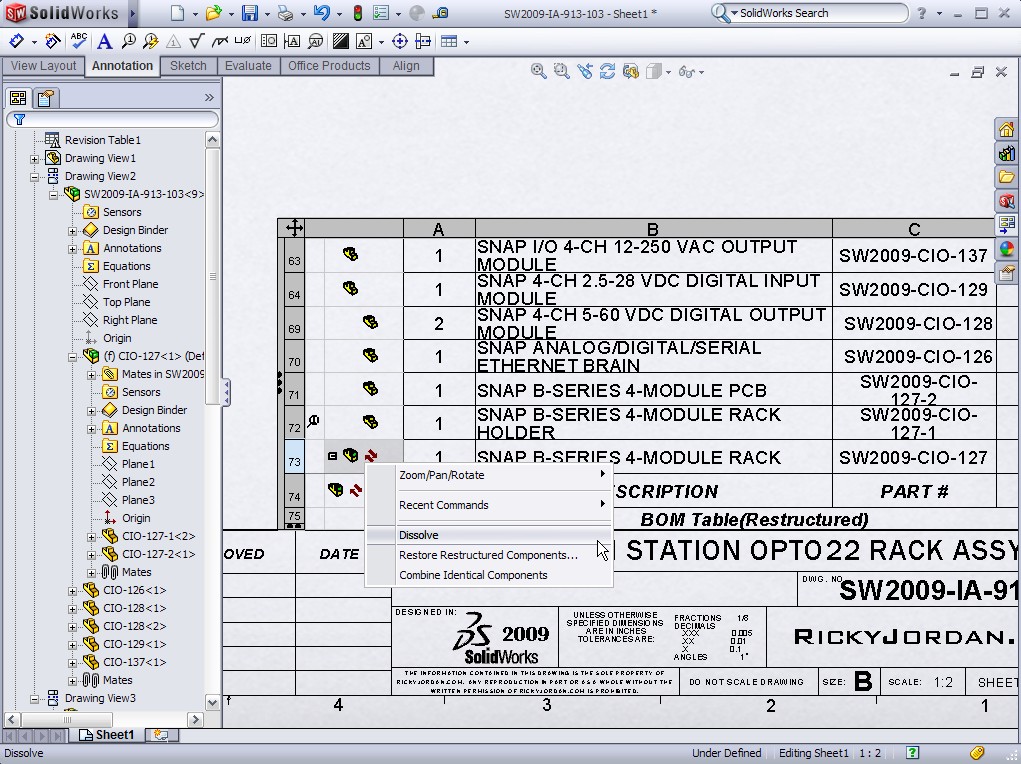
SolidWorks 2009 has been out long enough now that most of the “major” enhancements have probably been talked about on quite a few sites across the web. Here’s an enhancement that I have noticed hasn’t gotten much press. That enhancement is the ability to restructure Bills of Materials (BOM) in Drawings.
This video tip will show a simple example of this new capability that for some companies could be a game changer. I know that is an awfully big statement, but think about a situation where for assembly speed reasons, sub-assemblies are used in SolidWorks, yet build procedures call for parts and assemblies to be grouped differently. This functionality can support these instances. I’ve only tested it on a few assemblies, but it seems to work very well and is pretty easy to pick up. Click on the link below to see the Video Tip.
