
Today we are going to take a look at perhaps one of the most underrated new features of SolidWorks 2010, the Mouse Gesture Wheel. While this new tool has gotten some good press in recent weeks, its hard to gauge how useful this command can be until you actually use it. The Mouse Gesture wheel can be invoked by simply holding down the right mouse button and moving the cursor in any direction. The wheel is available in two configurations: 4 Position and 8 Position. Below you’ll find an image that shows off both configurations.

The great news about the Mouse Gesture wheel is that is it FULLY configurable. You can add virtually any tool that has a toolbar button icon to the wheel. To access the controls, go to Tools->Customize->Mouse Gestures (Tab). The Mouse Gesture Wheel can be configured differently for Sketches, Parts, Assemblies, and Drawings. The user interface to program the buttons is very similar to the interface for programming Keyboard shortcuts. Below is an image of the Mouse Gesture programming panel.

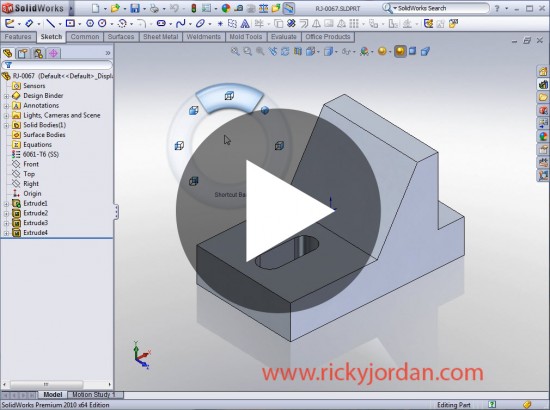
Using the Mouse Gestures can be a little confusing for some at first, but once you realize the intent of the tool, the behavior makes perfects sense. The Mouse Gesture wheel is designed to be a quick select tool. Users will gain the most efficiency in its usage if they memorize the commands at the positions. When the Mouse Gesture Wheel is invoked, you can move the cursor about the inside of the wheel to highlight the different options in the quadrants. Once the cursor enters one of the segments, the command is immediately invoked. The user does not have to release the Right Mouse Button to go to the command. What this does is it allows you to quickly gesture your cursor in the desired direction to invoke the command. So basically the most efficient use of this tool is to gesture in the direction of your desired command without looking at the wheel itself. To better demonstrate this, I have posted a video showing the Mouse Gesture tool in action. Click on the image to play the video.
Stay tuned…more SolidWorks 2010 Features to come!