
SolidWorks 2011:  What’s New Highlights
Wed, 09/1/10 – 7:00 AM | View Comments

DS SolidWorks Corporation today unveiled SolidWorks 2011, the latest release of the most popular 3D CAD software on the market. There are many new features to talk about, but today I’m going to hit …

Read the full story »
SolidWorks News

SolidWorks Reviews

SolidWorks Tips

SolidWorks Video Tips

SolidWorks World

Home » SolidWorks Video Tips

SolidWorks Video Tip: Using Multiple Split Features

Submitted by Ricky Jordan on Monday, November 3, 2008View Comments

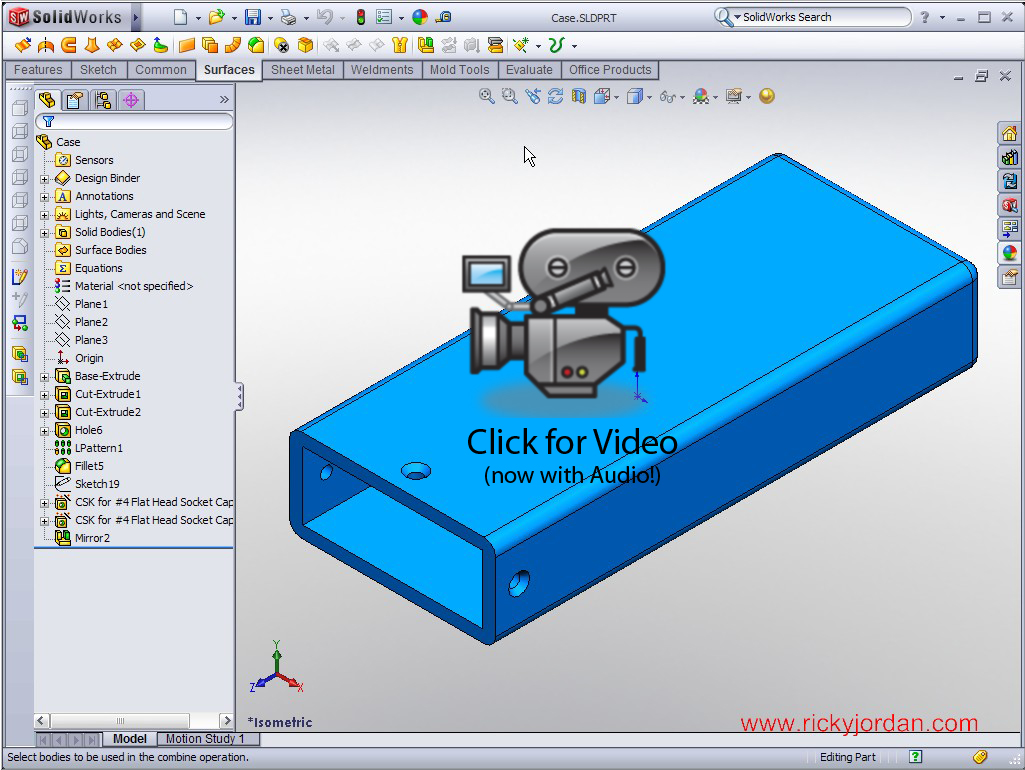
This SolidWorks Video Tip shows the use of multiple trim tool features in the Split command.  The example shows the creation of a simplified polyurethane tool using the Combine and Split commands found inside the SolidWorks Part environment.

I have finally solved the audio lag issue that you might have noticed in previous videos that include voice over.  The video is over 9 minutes long, so be patient, it might take a little longer to load.  Click on the image below to watch this Video Tip.

Stay tuned…..more to come!

Share and Enjoy:
  • StumbleUpon
  • Digg
  • Technorati
  • del.icio.us
  • Facebook
  • LinkedIn
  • email
  • Google Bookmarks
  • FriendFeed

No related posts.

Related posts brought to you by Yet Another Related Posts Plugin.

  • Great read.
  • Neil
    thankyou Mr Cronkite
    I found the recorded volume to be quite low...could be just my playback though
  • Neil,

    I agree...I will have this fixed for the next video. I know exactly where this setting is. :-)

    Ricky
blog comments powered by Disqus