
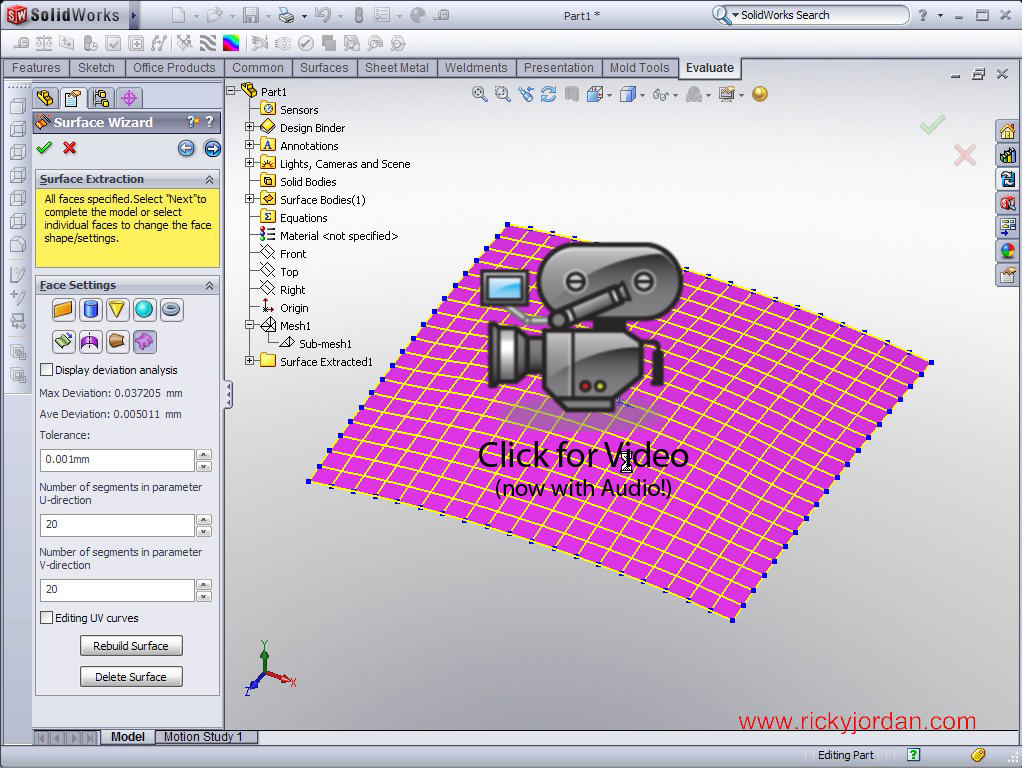
Today’s SolidWorks Video Tip shows an example of how you can use ScanTo3D to extract surface data from mesh files. This example was inspired by a file I recently helped fellow Blogger Mike Puckett with. ScanTo3D is part of SolidWorks Premium. It allows users to open Point Cloud and Mesh data in various formats with a toolset that enables users to construct solid or surface models based on triangulated mesh data. Click on the image below to access the video tip.

Stay tuned….more to come!