
-
Vote for Your Favorite Mach 4 Rendering!

Rob Rodriguez’s PhotoWorks Rendering Contest for November is now closed and voting has begun. Click the image above to go to the voting site. There are some EXCELLENT entries this month which featured my Mach 4 model so make sure you check it out and VOTE! The winner receives a FREE SolidWorks backpack! Stay tuned….more…
-
All NEW Content Rich Site Design!!
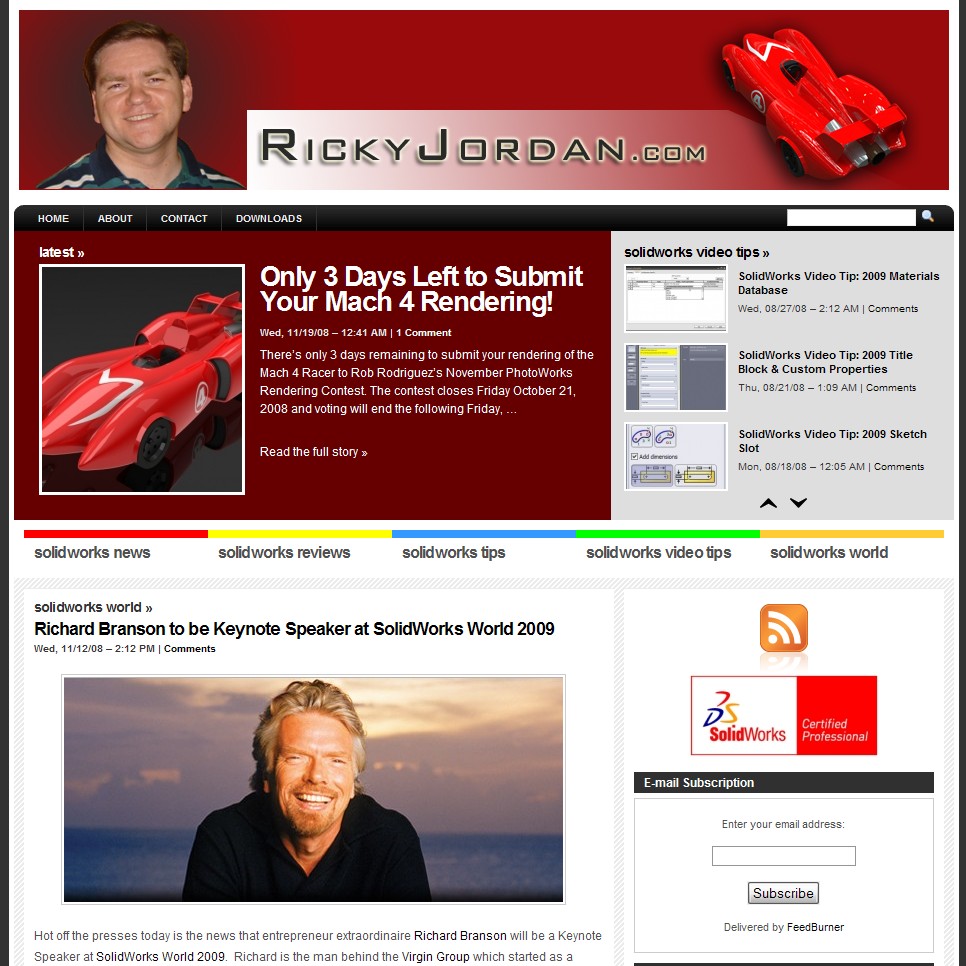
Today marks the next phase of my site changeover to WordPress which started back at the beginning of August. I’m proud to present to you a brand new site layout which I think takes this site beyond being “just a Blog”. I have upgraded the site to a WordPress Premium theme in an effort to…
-
Only 3 Days Left to Submit Your Mach 4 Rendering!
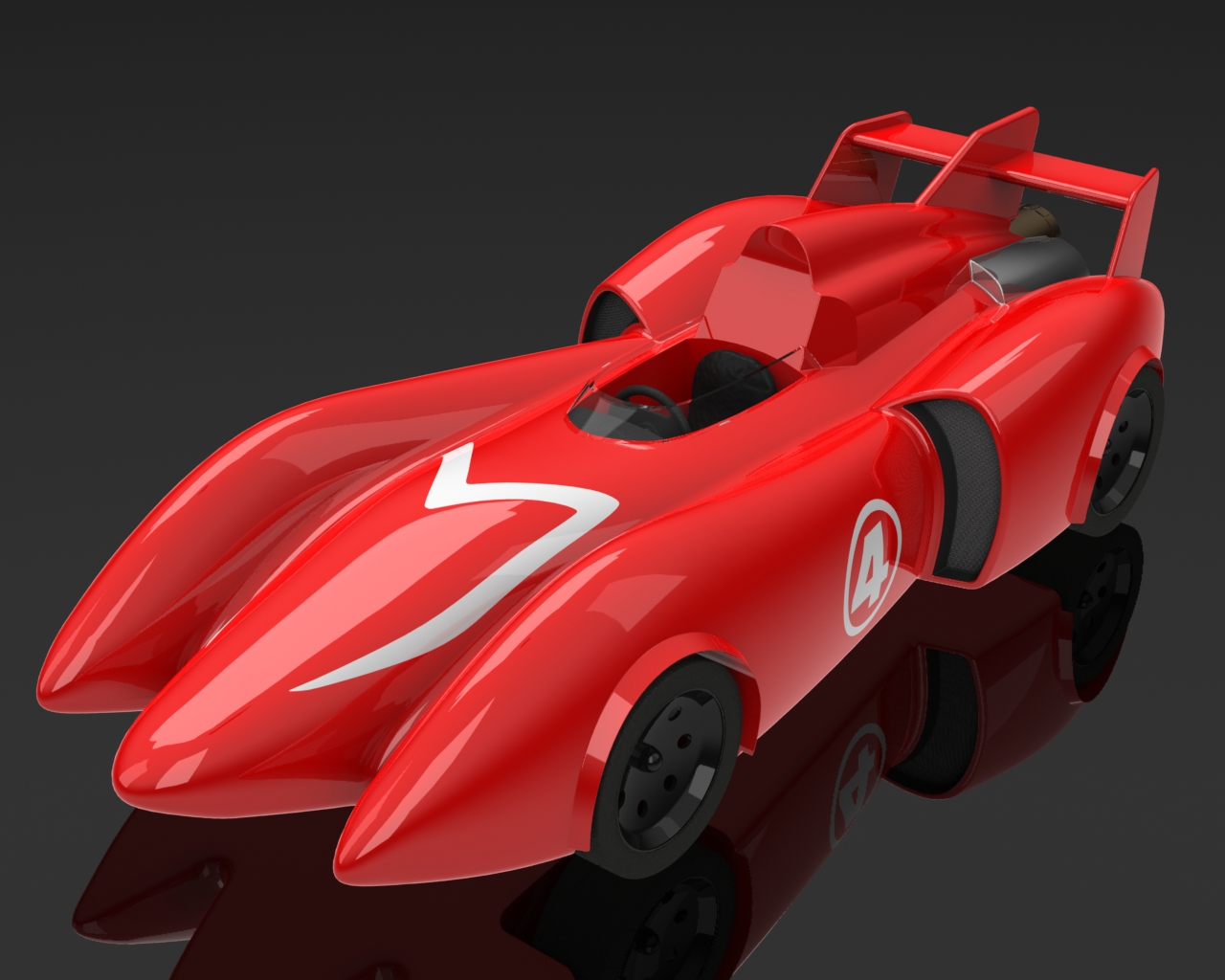
There’s only 3 days remaining to submit your rendering of the Mach 4 Racer to Rob Rodriguez’s November PhotoWorks Rendering Contest. The contest closes Friday October 21, 2008 and voting will end the following Friday, October 28, 2008. I would love to see us break some records for the number of entries so fire up…
-
Richard Branson to be Keynote Speaker at SolidWorks World 2009

Hot off the presses today is the news that entrepreneur extraordinaire Richard Branson will be a Keynote Speaker at SolidWorks World 2009. Richard is the man behind the Virgin Group which started as a record company but has since expanded to include airlines, mobile phones, broadband, and commercial space flight just to name a few.…
-
SolidWorks Video Tip: Surface Extraction with ScanTo3D
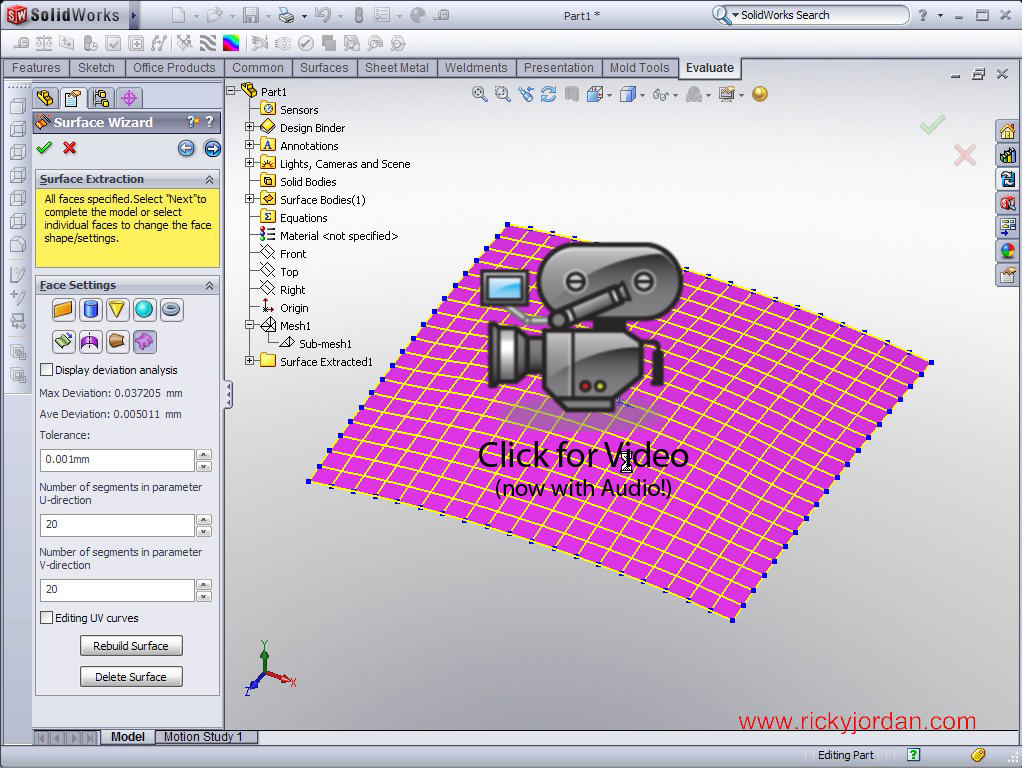
Today’s SolidWorks Video Tip shows an example of how you can use ScanTo3D to extract surface data from mesh files. This example was inspired by a file I recently helped fellow Blogger Mike Puckett with. ScanTo3D is part of SolidWorks Premium. It allows users to open Point Cloud and Mesh data in various formats with…
-
SolidWorks Video Tip: Using Multiple Split Features
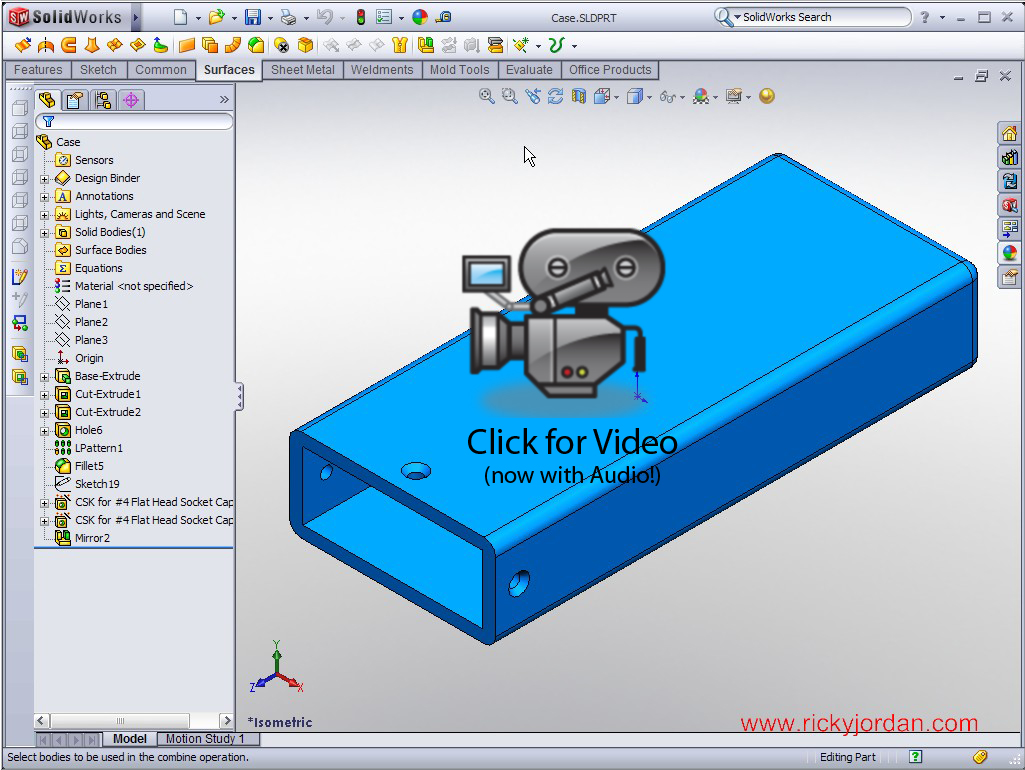
This SolidWorks Video Tip shows the use of multiple trim tool features in the Split command. The example shows the creation of a simplified polyurethane tool using the Combine and Split commands found inside the SolidWorks Part environment. I have finally solved the audio lag issue that you might have noticed in previous videos that…